Looking to install the Web Part on your website for SharePoint's Modern Experience, then you've come to the right place. 😉
-
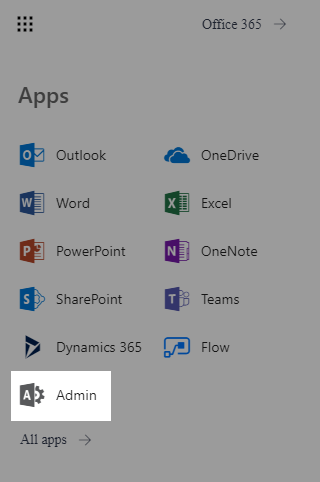
Open the app launcher and click on Admin;
-
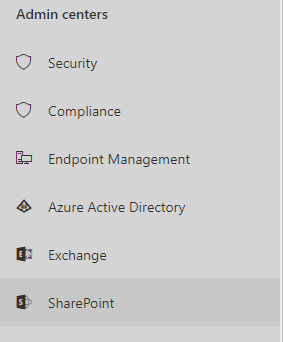
Open your SharePoint Admin Center;
-
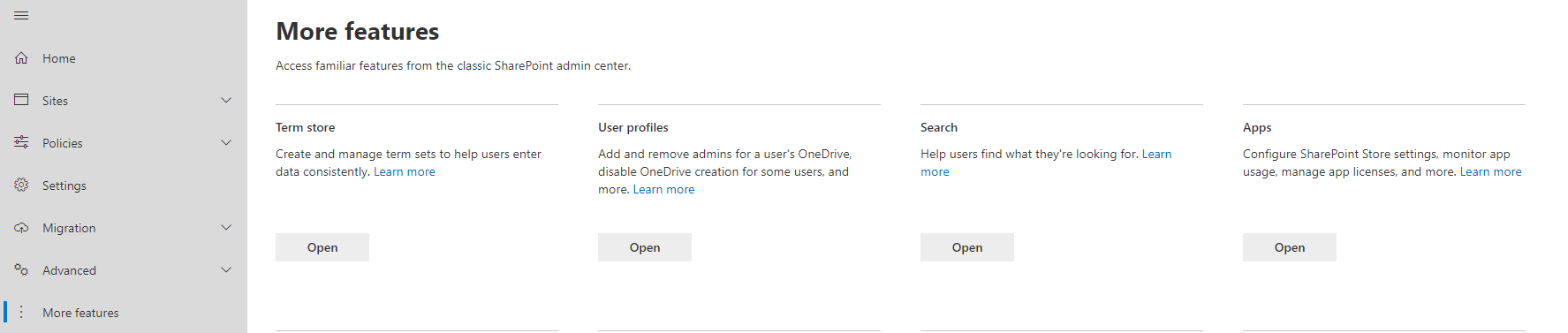
On the left panel, click on More features and select Apps;
-
Proceed by clicking on App Catalog;
-
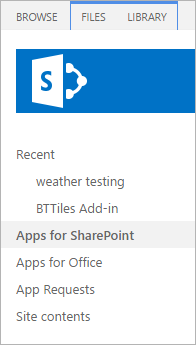
On the left pane, click on Apps for SharePoint;
-
Now click on Upload and select the .sppkg file that's inside the spfx folder in your web part package.
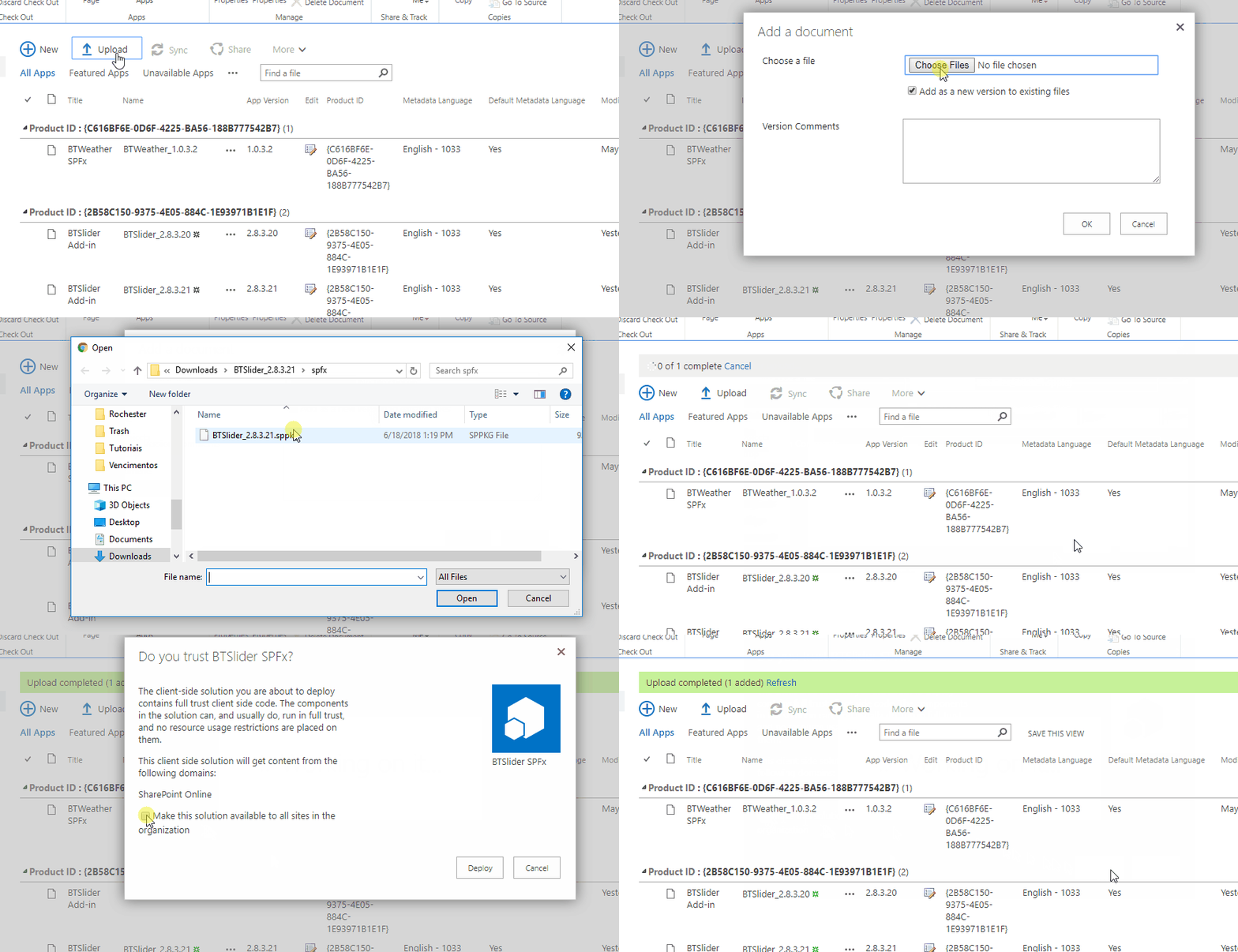
-
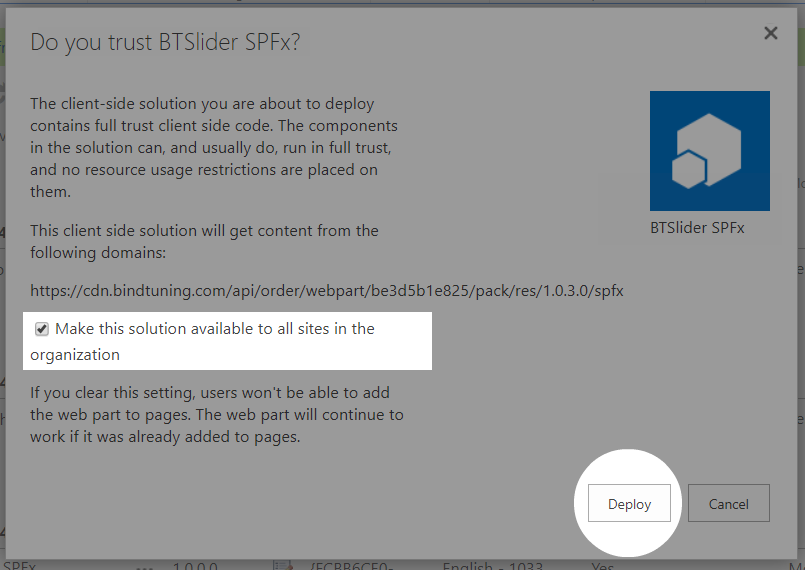
Finally, on the pop up that appears, tick the checkbox Make this solution available to all sites in the organization and click Deploy;
And that's it! The web part is now installed.